

Jun 24, 2026
Learn how to send one message to multiple contacts on WhatsApp using broadcast lists and WhatsApp Business API safely and effectively.
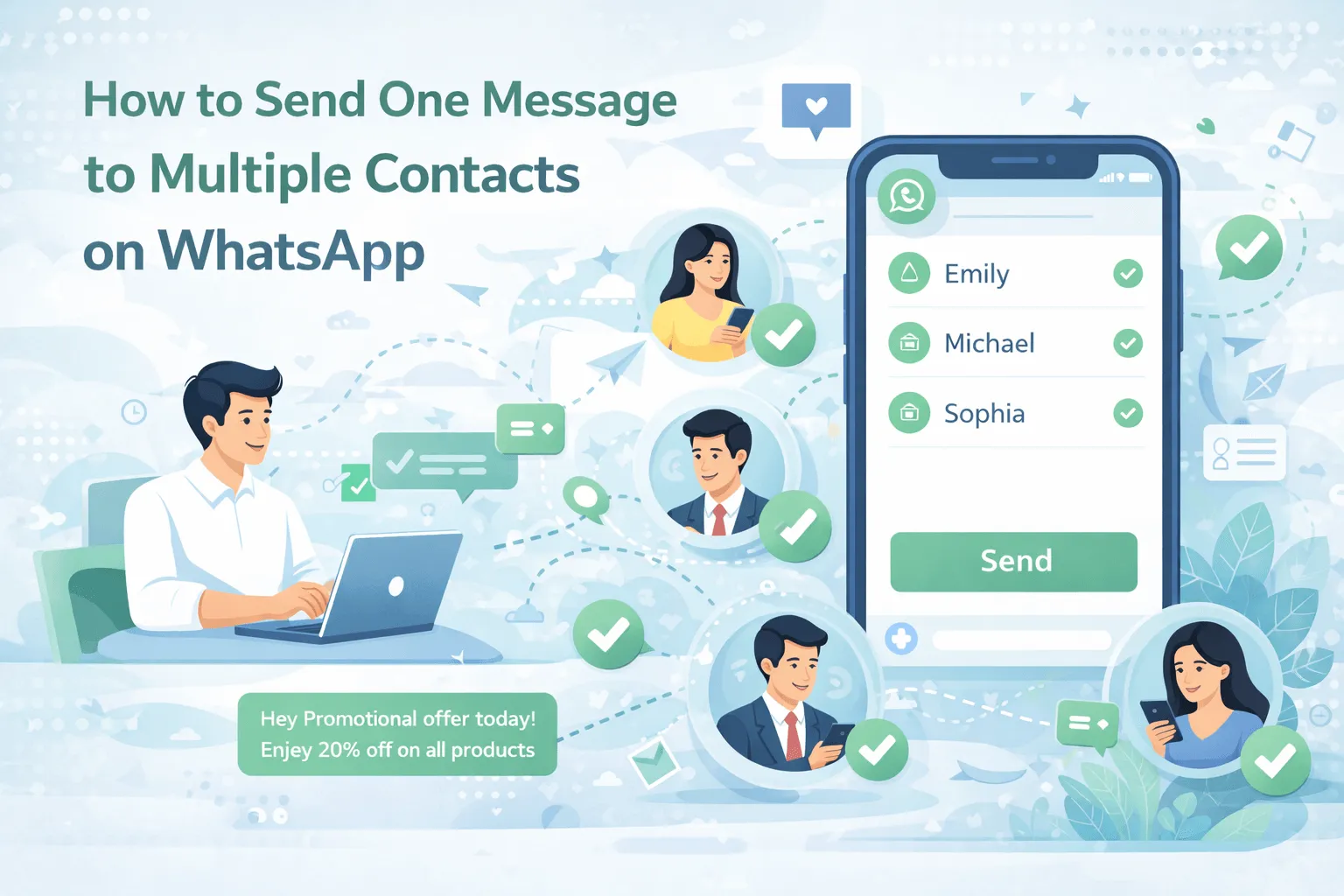
How to Send One Message to Multiple Contacts on WhatsApp
Sending the same message to multiple contacts on WhatsApp is one of the most common needs for individuals, small businesses, and large enterprises. Whether you want to share a festive greeting, announce an offer, send an event invitation, or update customers about an order — WhatsApp provides multiple methods to do it.
However, many users are confused about the correct and safe way to send one message to multiple contacts on WhatsApp without violating policies or getting blocked.
In this complete SEO guide, you’ll learn:
-
Different methods to send one message to multiple contacts
-
Broadcast vs Group differences
-
How businesses can send bulk messages legally
-
When to use WhatsApp Business API
-
Best practices to avoid bans
-
SEO strategy tips for ranking this topic
Let’s get started.
Why People Want to Send One Message to Multiple Contacts
There are many real-world scenarios where mass messaging is useful:
-
Promotional offers
-
Festival greetings
-
Product launches
-
Event reminders
-
Order updates
-
Appointment notifications
-
Business announcements
Instead of copying and pasting messages manually to each contact, WhatsApp provides structured features to handle this efficiently.
Method 1: Using WhatsApp Broadcast List
The simplest way to send one message to multiple contacts on WhatsApp is by using the Broadcast List feature.
What Is a Broadcast List?
A broadcast list allows you to send the same message to multiple contacts individually. Each recipient receives the message privately — they cannot see other recipients.
How to Create a Broadcast List
-
Open WhatsApp
-
Tap the three dots (top-right corner)
-
Select “New Broadcast”
-
Choose contacts
-
Type your message
-
Tap send
Important Rules
-
Contacts must save your number in their phone to receive broadcast messages.
-
The broadcast limit is usually up to 256 contacts per list.
-
No automation or scheduling options are available.
When to Use Broadcast Lists
-
Personal announcements
-
Small business updates
-
Limited promotional messages
-
Event invitations
This method is ideal for small-scale messaging.
Method 2: Using WhatsApp Business App
For business users, the better option is the WhatsApp Business.
This version includes additional tools such as:
-
Business profile
-
Catalog feature
-
Quick replies
-
Labels for segmentation
-
Automated greeting messages
Broadcast in WhatsApp Business
The broadcast feature works similarly to personal WhatsApp but allows better organization using labels.
For example, you can create labels like:
-
New customers
-
Pending payments
-
VIP clients
-
Wholesale buyers
Then send broadcast messages to specific groups.
Method 3: Using WhatsApp Business API
If you need to send messages to hundreds or thousands of contacts, the professional solution is the WhatsApp Business API.
This is Meta’s official enterprise solution for:
-
Bulk messaging
-
Automated notifications
-
Promotional campaigns
-
Order tracking updates
-
Appointment reminders
Unlike broadcast lists, the API allows:
-
Sending to unlimited users (based on messaging limits)
-
CRM integration
-
Message scheduling
-
Analytics tracking
-
Automated drip campaigns
-
Personalization using dynamic variables
Broadcast vs WhatsApp Group – What’s the Difference?
Many people confuse broadcast with group messaging.
|
Feature |
Broadcast |
Group |
|
Message Visibility |
Private |
Visible to all |
|
Replies |
Private to sender |
Visible to everyone |
|
Best For |
Promotions |
Discussions |
|
Professional Use |
Yes |
Limited |
Can You Send Bulk Messages Without Getting Banned?
Yes — but only if you follow WhatsApp’s policies.
Follow These Rules:
-
Always get user consent (opt-in).
-
Avoid spammy or misleading content.
-
Don’t use unofficial bulk messaging tools.
-
Send relevant messages only.
-
Avoid excessive messaging frequency.
Using unofficial software or automation tools can result in account suspension.
Always get user consent (opt-in).
Avoid spammy or misleading content.
Don’t use unofficial bulk messaging tools.
Send relevant messages only.
Avoid excessive messaging frequency.
How Businesses Can Scale WhatsApp Mass Messaging
For businesses that want to send one message to multiple contacts at scale, WhatsApp Business API is the safest and most powerful solution.
Example Use Cases:
-
eCommerce product launch
-
Festival discount campaign
-
Flash sale notification
-
Abandoned cart reminder
-
Payment due alert
-
Service appointment reminder
API-based messaging ensures:
-
-
Verified business account
-
Secure encrypted communication
-
Compliance with WhatsApp rules
eCommerce product launch
Festival discount campaign
Flash sale notification
Abandoned cart reminder
Payment due alert
Service appointment reminder
Verified business account
Secure encrypted communication
Compliance with WhatsApp rules
Benefits of Sending One Message to Multiple Contacts
1. Time-Saving
Send one message instead of manually messaging each contact.
Send one message instead of manually messaging each contact.
2. Higher Engagement
WhatsApp messages generally receive high open rates.
WhatsApp messages generally receive high open rates.
3. Cost-Effective Marketing
Compared to SMS or email marketing, WhatsApp offers better ROI.
Compared to SMS or email marketing, WhatsApp offers better ROI.
4. Personalized Communication
-
Customer name
-
Order ID
-
Location
-
Custom offer
Example:
“Hi {{Name}}, your order #{{OrderID}} has been dispatched.”
Best Practices for WhatsApp Mass Messaging
Keep Messages Short
Avoid long paragraphs.
Use Clear CTA
Examples:
-
“Reply YES to confirm.”
-
“Click below to shop now.”
-
“Limited offer – Book today.”
Segment Your Audience
Send relevant messages based on customer category.
Use Rich Media
Include:
-
Images
-
PDFs
-
Buttons
-
Links
Track Performance (API Users)
Monitor:
Delivery rate
Read rate
Response rate
Conversion rate
FAQ Section
Q1: How many contacts can I send broadcast message to?
Up to 256 contacts per broadcast list.
Q2: Can I send bulk promotional messages on WhatsApp?
Yes, using WhatsApp Business API with approved templates.
Q3: Is it legal to send mass messages on WhatsApp?
Yes, if customers have opted in
Common Mistakes to Avoid
-
Using unauthorized bulk tools
-
Sending messages without permission
-
Ignoring audience segmentation
-
Over-sending messages
-
Sending irrelevant promotions
Respecting user experience is key.
When Should You Upgrade to WhatsApp Business API?
Upgrade if you:
-
Have 500+ customers
-
Need automation
-
Want campaign analytics
-
Require CRM integration
-
Run frequent promotions
-
Send transactional alerts
For growing businesses, API integration is the long-term solution.
Conclusion
If you want to send one message to multiple contacts on WhatsApp, you have three main options:
-
Broadcast List (for personal/small use)
-
WhatsApp Business App (for small businesses)
-
WhatsApp Business API (for large-scale messaging & automation)
For small campaigns, broadcast lists work well. For serious business marketing, automation, and compliance, WhatsApp Business API is the most powerful and scalable solution.
In 2026, conversational messaging is one of the strongest marketing tools — and WhatsApp remains at the center of it.


