

Jun 24, 2026
To use the WhatsApp Business API, businesses cannot send promotional or outbound messages freely. All outbound messages must be sent using pre-approved message templates, as per Meta’s WhatsApp policy. Message templates help Meta maintain user trust, reduce spam, and ensure high-quality communication.
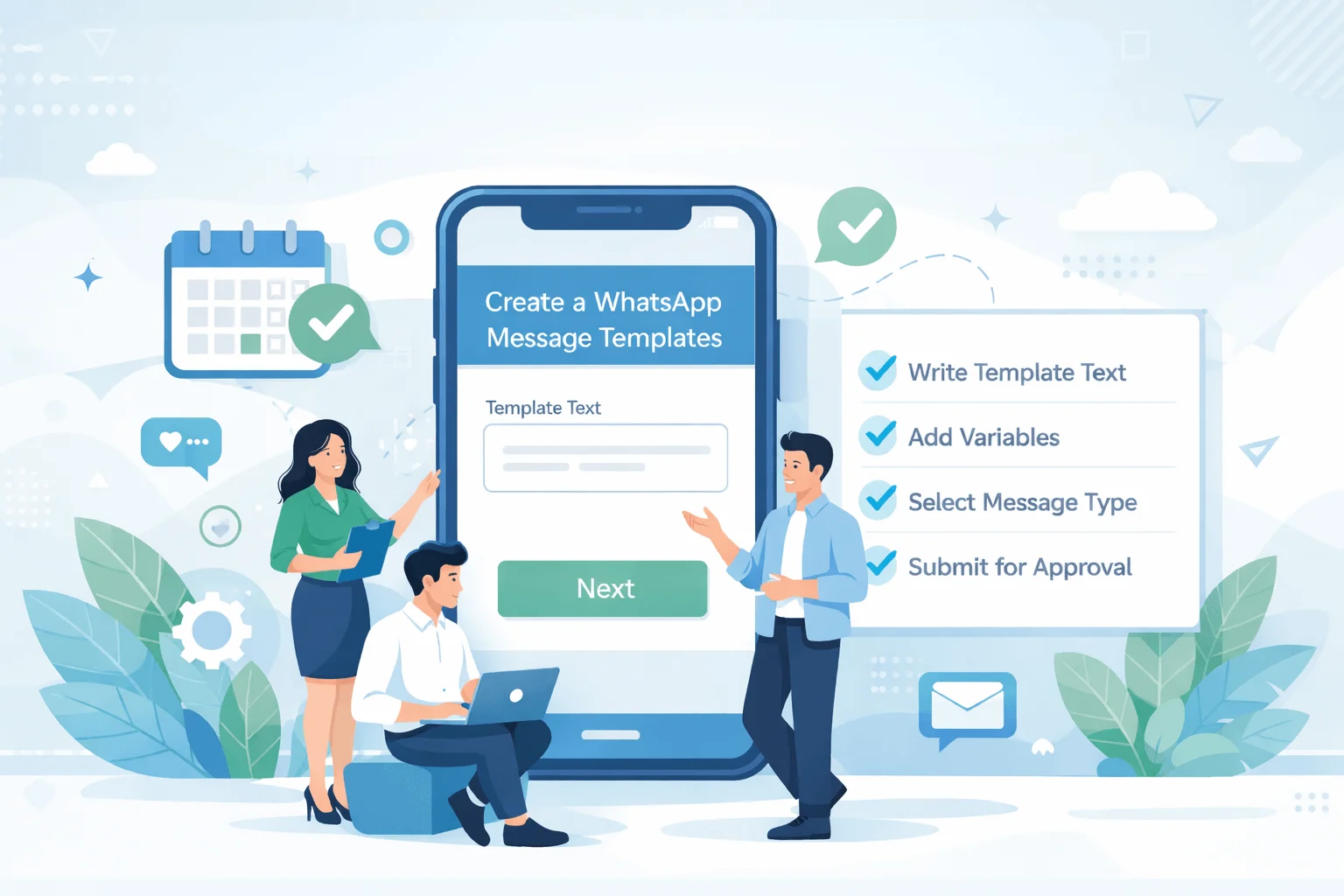
If you're using the WhatsApp Business API, there's no way around it: every message your business initiates requires a Meta-approved template. And in 2026, with Meta tightening its review process and introducing new category rules, getting templates approved first time is harder than it was 12 months ago — unless you know exactly what Meta is looking for. This guide covers everything, including how WABA NXCMSG's template manager eliminates the most common approval mistakes before you even submit.
What Are WhatsApp Message Templates — and Why They're Mandatory
A WhatsApp message template (officially called an HSM — Highly Structured Message) is a pre-written, Meta-approved message format that businesses must use to initiate conversations with customers on the WhatsApp Business API. Unlike a regular WhatsApp message between two people, business-initiated messages on WABA require Meta's sign-off before they can be sent to anyone.
This is not optional or a platform policy from your BSP — it is a core WhatsApp API rule enforced by Meta directly. No template approval = no outbound messages. Period.
When You Need Templates vs When You Don't
Situation Template Required? Why Customer messages you first ✔ No Free-form replies allowed within 24-hour window You message a customer first ✗ Yes — always Business-initiated conversations require approved template Customer messaged 23 hours ago, you reply ✔ No Still within 24-hour service window Customer messaged 25 hours ago, you reply ✗ Yes 24-hour window expired — template required to re-open Sending broadcast to opted-in list ✗ Yes — always Broadcast = business-initiated, always needs template Automated chatbot reply to incoming message ✔ No Responding to customer-initiated message within window Automated reminder triggered by your system ✗ Yes System-triggered = business-initiated regardless of timing
Simple Rule to RememberDid the customer start this conversation thread, and did their last message arrive within the last 24 hours? If both answers are yes, you can reply freely. If either answer is no, you need an approved template. When in doubt, use a template — it's better to be safe than to have your WABA number flagged for policy violation.
| Situation | Template Required? | Why |
|---|---|---|
| Customer messages you first | ✔ No | Free-form replies allowed within 24-hour window |
| You message a customer first | ✗ Yes — always | Business-initiated conversations require approved template |
| Customer messaged 23 hours ago, you reply | ✔ No | Still within 24-hour service window |
| Customer messaged 25 hours ago, you reply | ✗ Yes | 24-hour window expired — template required to re-open |
| Sending broadcast to opted-in list | ✗ Yes — always | Broadcast = business-initiated, always needs template |
| Automated chatbot reply to incoming message | ✔ No | Responding to customer-initiated message within window |
| Automated reminder triggered by your system | ✗ Yes | System-triggered = business-initiated regardless of timing |
Simple Rule to Remember
Did the customer start this conversation thread, and did their last message arrive within the last 24 hours? If both answers are yes, you can reply freely. If either answer is no, you need an approved template. When in doubt, use a template — it's better to be safe than to have your WABA number flagged for policy violation.
2026 Meta Policy Changes Every WABA User Must Know
Change 1 — Stricter Category Enforcement
Meta now automatically re-categorises templates during review. A template you submit as "Utility" that contains any promotional element — a discount mention, a product suggestion, an upsell — will be re-categorised to "Marketing" without warning. This means it will be charged at the higher marketing rate, even if you intended it as a transactional message. The fix: keep Utility templates strictly transactional. No offers, no product plugs, no cross-sell language.
Change 2 — Marketing Template Frequency Caps (Per User)
Meta introduced per-user marketing message limits in 2024 and tightened them in 2026. A single WhatsApp user can now receive a limited number of marketing messages per day from all businesses combined — not just yours. If a customer has already received their daily limit from other businesses, your marketing template will be undelivered with a "Marketing Message Frequency Cap" error, even though your template is approved and the customer has opted in. This is not something you can control at the template level — it's a delivery throttle Meta applies at the user level. The practical implication: send marketing messages earlier in the day, segment carefully, and don't rely on 100% delivery rates for marketing broadcasts.
Change 3 — Stricter Authenticity Review for New Accounts
New WABA accounts (under 6 months old) face additional scrutiny on template submissions. Meta now requires clearer business identification in templates from newer accounts — your business name should appear explicitly in the message body or header, not just in your display name. For new NXCMSG customers, the recommendation is to include your company name in the first 20 words of the template body.
Change 4 — Variable Content Restrictions Tightened
Meta now restricts the use of variables ({{1}}, {{2}}) in certain positions. Variables in the header must be a single piece of dynamic content (a name, order number, or date) — not entire sentences. Variables cannot be used to swap out URLs in button CTAs (a common workaround businesses used to send personalised links; this is now explicitly blocked).
Change 5 — Button Policy Updates
Quick Reply buttons now have a character limit of 25 characters (down from 30 in 2024). CTA buttons that link to URLs must use full, non-shortened URLs — no bit.ly, tinyurl, or any URL shortener service. Dynamic URL parameters (e.g., https://yoursite.com/order/{{1}}) are still allowed for order-specific links, but the domain must be verified in your Meta Business Manager.
NXCMSG Platform Stays Current with Meta Policy
WABA NXCMSG's template manager is updated whenever Meta changes its policies. The platform flags potential compliance issues before you submit — saving you the 24–48 hour wait for a rejection and the rework cycle. If you're managing templates manually through Meta Business Manager without a BSP dashboard, you won't get these pre-submission checks.
The 3 Template Categories Explained — Marketing, Utility, Authentication
Choosing the wrong category is the single most common reason templates get rejected or unexpectedly re-categorised. Here's what each category actually means, what's allowed, and what it costs in India.
Category 1 — High Cost
Marketing
Promotional content, product announcements, offers, discounts, event invites, and any message whose primary purpose is to drive a commercial action. If the message would make a customer want to buy something, it's Marketing.
Allowed examples: sale announcements, new product launches, loyalty offers, cart recovery messages, event promotions, reactivation campaigns.
Rejected if: submitted as Utility. Meta will re-categorise automatically — you'll be charged marketing rates either way.
India cost: ~₹0.50–0.85 per conversationCategory 2 — Low Cost
Utility
Transactional messages that serve the customer's existing relationship with your business. Order confirmations, shipping updates, appointment reminders, payment receipts, account alerts, and support follow-ups.
Allowed examples: order shipped, appointment reminder, payment received, OTP request, subscription renewal reminder, support ticket update.
Rejected if: contains promotional language, product suggestions, or any upsell/cross-sell even in passing.
India cost: ~₹0.10–0.40 per conversationCategory 3 — Lowest Cost
Authentication
One-time passwords, verification codes, and account security alerts only. Meta provides a pre-built template structure for authentication — you cannot customise the format, only the variable values.
Allowed examples: login OTP, account verification code, password reset code, transaction confirmation PIN.
Rejected if: used for anything other than authentication codes. The format is fixed — no creative customisation.
India cost: ~₹0.10–0.20 per conversationThe Grey Zone: Utility with a Soft CTA
Many businesses try to add a "soft" promotional element to a Utility template — for example, an order confirmation that ends with "Check out our new arrivals." Meta flags this. The rule is absolute: if it promotes, it's Marketing. Keep all Utility templates purely informational. If you want to follow up with a promotional message, create a separate Marketing template and send it as a second conversation.
Template Anatomy: Header, Body, Footer, Buttons — What's Allowed
Every WhatsApp message template is built from up to five components. Understanding the rules for each component before you start writing saves you from the most avoidable rejections.
Variable Numbering Rule
Variables must be numbered sequentially starting from {{1}}. You cannot use {{1}} and {{3}} without {{2}} in between — this causes an automatic rejection. In the NXCMSG template builder, variables are numbered automatically as you add them, so this error can't happen.
How to Create Templates on WABA NXCMSG — Step by Step
The NXCMSG template manager is the fastest way to create, submit, and manage WhatsApp message templates for Indian businesses. Here's the exact process:
- Log In and Navigate to the Template Manager
Go to wabav2.nxccontrols.in/user/templates and sign in with your NXCMSG credentials. The Template section shows all your submitted templates, their approval status, quality rating, and usage stats. Click"Create Template"to start a new submission.
📊 You can also view rejection reasons for past templates here — useful for understanding what to fix - Choose the Correct Category First — Before Writing Anything
Select Marketing, Utility, or Authentication before writing the template content. This decision shapes everything — the language you can use, whether an opt-out footer is required, and the per-conversation cost your clients will be billed. When unsure between Marketing and Utility, ask yourself: "Is this message primarily informational about a transaction that already happened, or is it trying to get the customer to do something new?" Informational = Utility. Persuasive = Marketing.
⚠️ You cannot change the category after submission — you'd need to create a new template with a different name - Name Your Template Following the Naming Convention
Template names must use lowercase letters, numbers, and underscores only — no spaces, no capitals, no special characters. Use descriptive names that tell you exactly what the template does:
order_confirmation_v1,appointment_reminder_24h,payment_received_razorpay. The NXCMSG platform validates naming format before submission so you won't waste time on a formatting rejection. - Build the Header (Optional but Recommended)
For marketing templates, a media header (product image or short video) significantly increases open and response rates. For utility templates, a text header with an order number or customer name makes the message feel personalised immediately. In the NXCMSG template builder, select your header type and either upload media or type your text header with the variable if needed.
- Write the Body — Follow the 5 Rules
(1)State the purpose clearly in the first sentence.(2)Keep it under 300 characters for most use cases (1,024 is the max but shorter converts better).(3)Number variables sequentially:
💡 NXCMSG's template builder shows a live preview of exactly how the message will appear on a customer's phone as you type{{1}},{{2}},{{3}}.(4)Add sample variable values in the NXCMSG builder — Meta requires realistic samples, not placeholders like "XXXX" or "test".(5)No promotional language in Utility templates. - Add the Footer and Opt-Out Text (Marketing Templates)
For Marketing templates, Meta strongly expects an opt-out mechanism. Add in footer: "Reply STOP to unsubscribe" or "Reply ROKNA to opt out" for Hindi campaigns. This is not technically mandatory but its absence is a frequent reason Meta flags marketing templates for "low quality" status which reduces deliverability.
- Configure Buttons If Needed
Add Quick Reply buttons (max 3, max 25 chars each) for common responses — "Yes, confirm", "No, reschedule", "Talk to agent". Or add CTA buttons — "Track Order" (URL) or "Call Us" (phone). In NXCMSG, CTA URL buttons allow dynamic variables in the URL path: enter your base URL and mark the dynamic segment as a variable. The NXCMSG builder validates that your domain is on the approved list before you submit.
- Submit and Monitor Status in the NXCMSG Dashboard
Click Submit. NXCMSG passes the template to Meta via API. Status updates in real time in your template manager: Pending → Approved / Rejected. Typical approval time: 24–48 hours for new accounts; often under 6 hours for established accounts with a good quality rating. If rejected, the NXCMSG dashboard shows the specific rejection reason — so you can fix and resubmit immediately rather than guessing.
📧 NXCMSG sends an email notification when template status changes — no need to keep refreshing the dashboard
Create your first approved template on NXCMSG
30+ Approved Template Examples by Industry and Use Case
These are real-world templates structured to pass Meta's 2026 review criteria. Copy, adapt, and submit through your NXCMSG template manager. Variable names are shown for clarity — use {{1}}, {{2}}, etc. when submitting.
Utility Templates — Transactional & Operational
Marketing Templates — Promotional & Campaign
Hindi & Hinglish Templates — For Indian Markets
The 15 Most Common Rejection Reasons — and How to Fix Each One
Meta doesn't always explain why a template was rejected in plain language. These are the 15 most frequent rejection patterns seen in 2026, translated into actionable fixes you can apply before resubmitting through your NXCMSG template manager.
| Rejection Reason | What You Wrote | What to Write Instead |
|---|---|---|
| Promotional language in Utility template | "Your order is ready! Also check our new collection 🎁" | "Your order #{{1}} is ready for pickup." — stop there. No cross-sell. |
| Vague variables with no context | {{1}} {{2}} {{3}} as sample: "XXX", "YYY", "test" | Sample: "Rahul Sharma", "April 15, 2026", "10:30 AM" — realistic values |
| Excessive caps or punctuation | "BIG SALE!!! DON'T MISS OUT!!!" | "Our annual sale is now live. {{discount}}% off on all orders." |
| URL shortener in CTA button | bit.ly/abc123 or tinyurl.com/xyz | https://yourstore.com/sale — full verified domain only |
| Missing opt-out for Marketing template | Marketing template with no unsubscribe mechanism | Footer: "Reply STOP to unsubscribe" or equivalent regional language |
| Non-sequential variables | {{1}} and {{3}} in body, skipping {{2}} | Renumber all variables sequentially: {{1}}, {{2}}, {{3}} |
| Variable used in CTA button URL (2026 rule) | {{1}} used as the entire URL in a button | Use a fixed base URL with a dynamic path: https://site.com/track/{{1}} |
| No clear business identification | "Your order is confirmed. Track here." — no brand name | "Hi {{1}}, your order from BrandName is confirmed." |
| Threatening or urgent language | "Act NOW or lose your offer FOREVER" | "Your offer expires on {{date}}. Shop here: {{url}}" |
| Misleading claim or unverifiable stat | "The #1 product in India with 10 million happy customers" | Remove unverifiable superlatives. Stick to specific, factual claims. |
| Quick Reply button text too long | "Yes, please confirm my appointment" (34 chars) | "Confirm appointment" (21 chars) — max 25 characters in 2026 |
| Wrong category for content | Product recommendation submitted as Utility | Re-submit as Marketing. Any promotional intent = Marketing. |
| Grammatical or spelling errors | "Your appointmnet has been conform" | Proofread carefully. Meta treats errors as a quality signal — poor grammar = likely rejection. |
| Requesting sensitive information | "Please reply with your Aadhaar number to verify" | Never request government ID, financial details, or passwords in a template |
| Content violating WhatsApp policy | Any gambling, adult content, alcohol, tobacco, or financial scheme promotion | Review Meta's prohibited content list. These categories are blocked regardless of wording. |
Multiple Rejections = Account Risk
Frequent template rejections lower your WABA account's quality rating with Meta. Too many rejections in a short period can trigger a messaging limit restriction — reducing the number of users you can contact per 24 hours. The NXCMSG template validation layer catches most rejection-likely patterns before submission, preventing the accumulation of rejections that damages your account standing.
Understanding WhatsApp Quality Rating and Why It Affects Your Templates
Meta assigns every WABA phone number a Quality Rating — High, Medium, or Low — based on how recipients respond to your messages. This rating directly affects how many people you can message per day and how quickly new templates get approved. Most businesses don't realise this until their account is already restricted.
🟢 High Quality
Green Status
Recipients engage positively — opening messages, clicking CTAs, replying. Low block/spam rates. Fastest template approvals, highest daily messaging limits (up to Tier 4: 100,000+ messages/day). Your goal is to stay here.
🟡 Medium Quality
Yellow — Warning Zone
Rising block/spam rates, declining engagement. Meta sends warning notifications. Daily messaging limit may be reduced. Immediate action needed: review your template content, frequency, and targeting quality.
🔴 Low Quality
Red — Restricted
High block/spam rates. Daily messaging limit drops significantly. Continued low quality can result in number restriction or permanent ban. This is recoverable but takes weeks of clean sending to reverse.
What Lowers Your Quality Rating
- Recipients blocking your number after receiving a message
- Recipients reporting your message as spam
- Low open rates on marketing broadcasts
- Sending Marketing templates to contacts who never opted in
- Excessive marketing message frequency to the same contacts
- Rejected templates being resubmitted with minimal changes multiple times
What Protects and Improves Your Quality Rating
- Only message opted-in contacts— never upload cold lists to WABA broadcasts
- Send relevant, personalised messages— high
{{variable}}usage in templates signals personalisation to Meta's algorithm - Maintain appropriate frequency— no more than 2–3 marketing messages per contact per week
- Make opt-out easy— always include opt-out in marketing templates and honour unsubscribes immediately
- Monitor delivery and read ratesin theNXCMSG analytics dashboard— declining read rates are an early warning before your quality rating drops
- Use Utility templates for transactional messages— these have significantly higher open rates and positive engagement signals than Marketing templates
{{variable}}usage in templates signals personalisation to Meta's algorithmHow NXCMSG Makes Template Approval Faster and Easier
Managing WhatsApp message templates manually through Meta Business Manager — without a BSP platform — means writing templates in a basic text field, waiting blindly for approval or rejection, and getting error codes that require developer-level knowledge to interpret. WABA NXCMSG changes every step of this process for Indian businesses.
NXCMSG Template Manager — What It Does Differently
"We were getting 3–4 template rejections per week before switching to NXCMSG. The pre-submission validation alone saved us the constant 48-hour wait cycles. Now we get approvals first try, almost every time."— B2B SaaS Company, Ahmedabad — WABA NXCMSG customer
📋 Create Your First Approved Template on NXCMSG
Template approval is not luck — it is process. Meta's 2026 policy changes mean there are more ways to get rejected than 12 months ago, but the underlying logic is consistent: clear purpose, correct category, realistic variables, no promotional language in Utility templates, full URLs, opt-out in Marketing templates. Follow these rules and you get approved first try, every time.
The advantage of using WABA NXCMSG for template management is that these rules are built into the platform. Pre-submission validation catches errors before they cost you 48 hours. The template library gives you a starting point. The analytics tell you which templates are working before your quality rating is affected. And when something goes wrong, India-based support is one WhatsApp message away.
Start building your template library at wabav2.nxccontrols.in/user/templates — and if you don't have NXCMSG access yet, the 14-day free trial at waba.nxccontrols.in/pricing gets you started today.
Template approval is not luck — it is process. Meta's 2026 policy changes mean there are more ways to get rejected than 12 months ago, but the underlying logic is consistent: clear purpose, correct category, realistic variables, no promotional language in Utility templates, full URLs, opt-out in Marketing templates. Follow these rules and you get approved first try, every time.
The advantage of using WABA NXCMSG for template management is that these rules are built into the platform. Pre-submission validation catches errors before they cost you 48 hours. The template library gives you a starting point. The analytics tell you which templates are working before your quality rating is affected. And when something goes wrong, India-based support is one WhatsApp message away.
Start building your template library at wabav2.nxccontrols.in/user/templates — and if you don't have NXCMSG access yet, the 14-day free trial at waba.nxccontrols.in/pricing gets you started today.


