

Jun 24, 2026
Learn how to connect WhatsApp Business API Webhook to your CRM in 2026. Step-by-step guide covering HubSpot, Zoho, Salesforce & IndiaMart integration with WABA NXCMSG. Start free trial today!
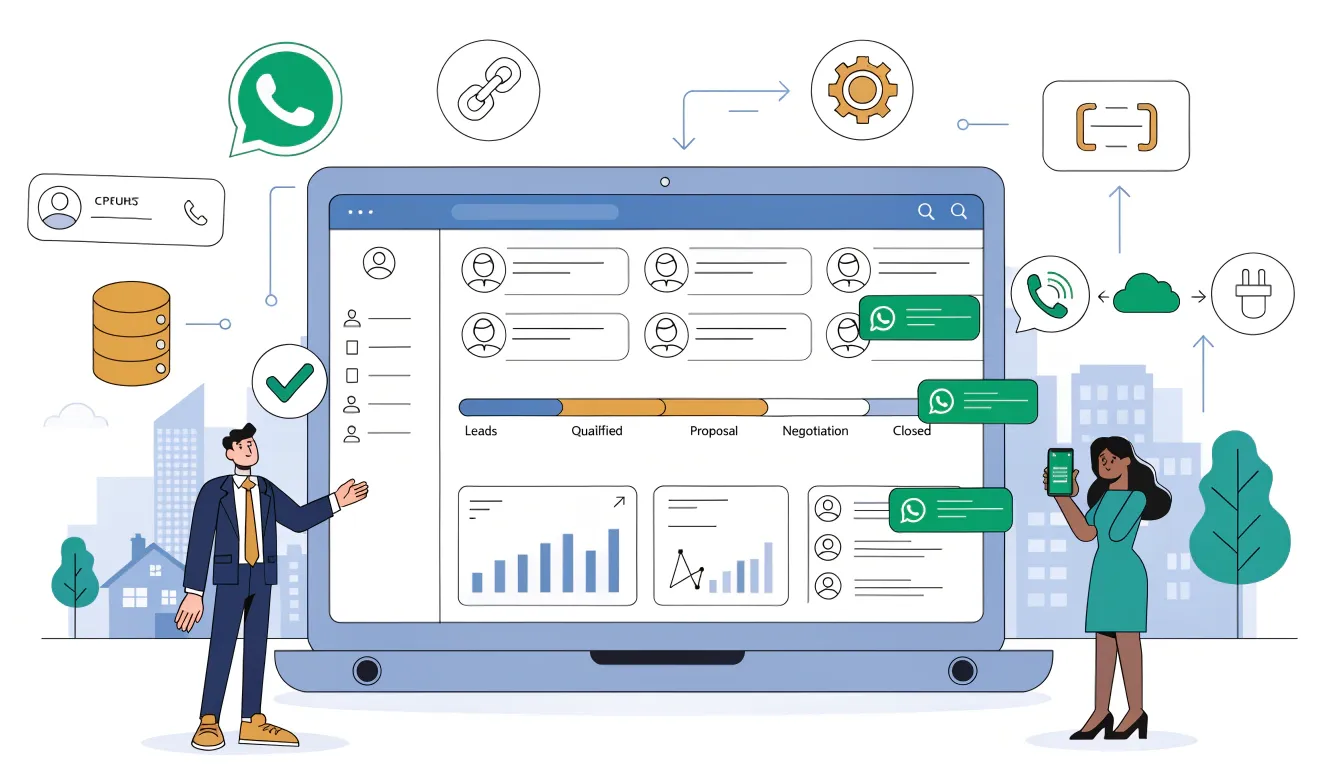
In 2026, businesses that automate their customer
conversations are winning. With WhatsApp boasting over 3 billion active users
worldwide and a staggering 98% message open rate, it has become the most
powerful customer engagement channel available today.
But sending and receiving WhatsApp messages manually is not
scalable. That's where WhatsApp Webhook Integration with your CRM changes
everything.
Whether you're using HubSpot, Zoho CRM, Salesforce, or a custom-built system, this guide will walk you through exactly how to connect your CRM with WhatsApp Business API using webhooks with step-by-step instructions, real-world use cases, and pro tips to maximize your results.
|
🔑 Primary Keyword: WhatsApp Webhook
Integration | Secondary: WhatsApp CRM Integration, Connect WhatsApp to CRM,
WhatsApp Business API Webhook Setup 2026, WhatsApp Automation CRM India |
What is a WhatsApp Webhook? (SimpleExplanation)
A webhook is a real-time notification system. Instead of
your application constantly asking WhatsApp 'Did anything happen?' (called
polling), a webhook allows WhatsApp to automatically push data to your server
the moment something occurs.
Think of it like this:
|
Without
Webhook: You check
your mailbox every 10 minutes hoping for a letter. |
|
With
Webhook: The postman
rings your doorbell the second a letter arrives instantly. |
In the context of WhatsApp Business API, a webhook fires
when:
•
A
customer sends you a message
•
A
message you sent gets delivered or read
•
A
customer clicks a button in your template
•
A
new contact opts in via a WhatsApp Form
• A payment or order confirmation is received
Why WhatsApp Webhook + CRM IntegrationMatters in 2026
|
Metric |
Value |
|
WhatsApp
Global Users |
3 Billion+ |
|
Message Open
Rate |
98% |
|
Response Rate
vs Email |
5X Higher |
|
Leads Lost
Without Follow-up |
78% |
|
Businesses
Using WhatsApp API India |
Growing
40% YoY |
|
Up to 300% |
With Meta's 2026 pricing update now charging per template message (instead of per conversation), businesses need smarter automation to ensure every WhatsApp interaction drives value. Webhook-powered CRM integration is the backbone of this strategy.
How WhatsApp Webhook Integration Works Architecture Overview
Here is the technical flow of a WhatsApp Webhook + CRM integration:
1. Customer sends a WhatsApp message to
your business number
2. Meta's WhatsApp Cloud API receives the
message
3. Meta fires a POST request to your
Webhook URL (your server endpoint)
4. Your server receives and parses the JSON
payload
5. Business logic runs: route, tag, score,
or respond
6. CRM record is created or updated in real
time
7. Automated reply or team assignment is triggered
|
💡
Pro Insight: As of January 2026, Meta has banned open-ended general-purpose
AI chatbots on WhatsApp. However, task-specific AI agents for lead
qualification, appointment booking, and order tracking are fully allowed and
highly effective. |
Step-by-Step: How to Connect WhatsApp
Webhook to Your CRM
Step 1 — Set Up WhatsApp Business API Access
Before configuring webhooks, you need official WhatsApp
Business API access:
•
Sign
up with an official WhatsApp Business Solution Provider (BSP) like WABA NXCMSG
•
Create
and verify your Meta Business Manager account
•
Add
and verify your business phone number
• Get your API Access Token and Phone Number ID from the Meta Developer Dashboard
|
WABA NXCMSG Advantage: WABA NXCMSG provides instant API
access with pre-built webhook support, no-code dashboard, and direct
IndiaMart + Meta Ads integration saving weeks of development time. |

Step 2 — Create Your Webhook Endpoint
Your webhook endpoint is a URL on your server that will
receive events from WhatsApp. Requirements:
•
Must
be HTTPS (SSL certificate required)
•
Must
respond to GET requests for verification (return hub.challenge parameter)
•
Must
respond to POST requests within 20 seconds
•
Must
return HTTP 200 status on success
Example Webhook Verification Response (Node.js):
app.get('/webhook', (req,
res) => {
const mode = req.query['hub.mode'];
const token = req.query['hub.verify_token'];
const challenge = req.query['hub.challenge'];
if (mode === 'subscribe' && token ===
VERIFY_TOKEN) {
res.status(200).send(challenge); } });
Step 3 — Register Webhook in Meta Developer
Dashboard
•
Go
to Meta for Developers → Your App → WhatsApp → Configuration
•
Enter
your Webhook URL and Verify Token
•
Click
'Verify and Save'
•
Subscribe
to the following webhook fields: messages, message_deliveries, message_reads,
messaging_postbacks
Step 4 — Parse Incoming Webhook Payload
When a customer sends a message, WhatsApp delivers a JSON
payload to your webhook. Key fields to extract:
|
Field |
Data Type |
CRM Mapping |
|
from |
Phone Number |
Contact /
Lead Phone |
|
name |
String |
Contact Name |
|
message.text.body |
String |
Last Message
/ Note |
|
timestamp |
Unix Time |
Last Activity
Date |
|
message.type |
String
(text/image/button) |
Interaction
Type Tag |
|
button.payload |
String |
Lead Stage /
Intent |
|
statuses.status |
delivered/read |
Engagement
Status |
Step 5 — Connect to Your CRM via API
Once you parse the webhook data, push it to your CRM using
the CRM's REST API:
•
HubSpot:
Use Contacts API to create/update contact records
•
Zoho
CRM: Use Leads API to upsert lead records
•
Salesforce:
Use sObjects REST API for lead creation
•
Custom
CRM: Use webhook-to-webhook forwarding or middleware
|
No-Code Option: Use
WABA NXCMSG's built-in Webhook forwarding + IndiaMart integration to connect
leads directly to your CRM pipeline without writing a single line of code. |
Step 6 — Automate Follow-Up Actions
Once the CRM receives the webhook data, trigger automation
workflows:
•
Auto-assign
lead to a sales agent based on location or query keyword
•
Send
a WhatsApp template message acknowledging the inquiry
•
Add
contact to a drip campaign sequence
•
Schedule
a follow-up reminder after 24 hours
•
Tag
lead based on intent keywords (buy, price, demo, support)
Popular CRM Integrations with WhatsApp
Webhook in 2026
|
CRM Platform |
Integration
Method |
Best For |
|
HubSpot |
Native +
Webhook API |
Marketing
& Sales Teams |
|
Zoho CRM |
Webhook +
Pabbly Connect |
SMBs in India |
|
Salesforce |
Custom API /
Middleware |
Enterprise
Companies |
|
Freshsales |
Direct API
Integration |
Customer
Support Teams |
|
Pipedrive |
Zapier /
Webhook |
Sales
Pipeline Management |
|
Custom CRM |
Direct REST
API Webhook |
Developers /
SaaS Products |
|
IndiaMart CRM |
WABA NXCMSG
Native |
Indian B2B
Businesses |
Real-World Use Cases: WhatsApp Webhook + CRM
in Action
1. Real Estate Lead Management
When a buyer clicks a Meta Ad and messages your WhatsApp
number, the webhook instantly:
•
Creates
a lead in your CRM with name, phone, and property interest
•
Sends
an automated property catalog via WhatsApp
•
Assigns
the lead to the nearest sales agent
•
Schedules
a site visit reminder 24 hours later
2. E-commerce Order Updates
When an order status changes in your backend, the webhook
triggers:
•
Real-time
WhatsApp notification: 'Your order #1234 has been shipped!'
•
CRM
record updated with order status and delivery ETA
•
Automated
review request sent after delivery confirmation
3. IndiaMart Lead Auto-Response
When a new lead comes via IndiaMart, WABA NXCMSG webhook:
•
Instantly
pushes the lead into your CRM
•
Sends
a personalized WhatsApp message within 60 seconds
•
Qualifies
the lead with a quick-reply button survey
•
Notifies
your sales team via push notification
4. Customer Support Ticket Creation
When a customer sends a support query via WhatsApp:
•
Webhook
creates a support ticket in your helpdesk CRM
•
Auto-replies
with a ticket number and expected resolution time
•
Routes
the conversation to the appropriate department
SEO-Proven Best Practices for WhatsApp
Webhook Integration
Security Best Practices
•
Always
validate the X-Hub-Signature-256 header from Meta to prevent fake webhook calls
•
Use
HTTPS-only endpoints never HTTP
•
Store
your Verify Token and API keys in environment variables, not in code
•
Implement
rate limiting on your webhook endpoint
Performance Best Practices
•
Use
asynchronous processing acknowledge the webhook within 5 seconds, process in
background
•
Implement
idempotent handlers to prevent duplicate CRM records from webhook retries
•
Use
message queues (Redis, RabbitMQ) for high-volume webhook processing
•
Log
every webhook event with timestamps for debugging and analytics
Compliance Best Practices (India Specific)
•
Only
message users who have opted in to receive WhatsApp communications
•
Include
opt-out instructions in your first message ('Reply STOP to unsubscribe')
•
Adhere
to Meta's Frequency Capping rules introduced in 2026
•
Store
customer data securely and comply with India's DPDP Act 2023
Common Mistakes to Avoid
|
Mistake |
Problem |
Fix |
|
Not
validating webhook signature |
Security
vulnerability |
Always check
X-Hub-Signature-256 |
|
Processing
webhook synchronously |
Timeout
errors |
Use async
queues |
|
No
idempotency check |
Duplicate CRM
records |
Check unique
message ID before insert |
|
Using HTTP
instead of HTTPS |
Meta rejects
the webhook |
Get an SSL
certificate |
|
Not handling
webhook retries |
Data
inconsistency |
Build
retry-safe handlers |
|
Ignoring
message status events |
Missing
delivery insights |
Subscribe to
all status fields |
Frequently Asked Questions (FAQ)
Q1: Do I need a developer to set up WhatsApp
Webhook integration?
Not necessarily. Platforms like WABA NXCMSG provide a
no-code dashboard where you can configure webhook forwarding, CRM connections,
and automation flows visually without writing code. However, for fully custom
enterprise integrations, a developer is recommended.
Q2: What is the difference between WhatsApp
Business App and WhatsApp Business API?
The WhatsApp Business App is a free app for very small
businesses (1-2 users). The WhatsApp Business API (accessed through BSPs like
WABA NXCMSG) supports unlimited agents, bulk messaging, webhook automation, CRM
integration, and chatbots designed for growing businesses.
Q3: How long does it take to set up a
WhatsApp Webhook CRM integration?
With a platform like WABA NXCMSG, basic webhook + CRM
integration can be set up in under 30 minutes using pre-built connectors.
Custom enterprise integrations typically take 1–4 weeks depending on CRM
complexity.
Q4: Can I use WhatsApp Webhook with Zapier
or Make (Integromat)?
Yes. WABA NXCMSG supports webhook forwarding, which means
you can connect to Zapier, Make, Pabbly Connect, or any automation platform
that accepts webhook triggers giving you 1000+ possible CRM and app
integrations without coding.
Q5: Is WhatsApp Webhook integration GDPR and
DPDP compliant?
Compliance depends on your implementation. Ensure you
collect user opt-in before messaging, store data securely, and provide opt-out
options. WABA NXCMSG's platform is built with compliance features including
opt-in management and data encryption.
Why Choose WABA NXCMSG for WhatsApp Webhook
Integration?
WABA NXCMSG is India's trusted WhatsApp Business API
platform, powering 32,000+ businesses. Here's why it's the best choice for
webhook + CRM integration:
|
Metric |
Value |
|
Webhook
Support |
Built-in,
No Coding Required |
|
CRM
Integrations |
All Major
CRMs + Custom API |
|
IndiaMart
Integration |
Native,
Automatic Lead Sync |
|
Meta Ads
Integration |
Click-to-WhatsApp
Lead Capture |
|
Chatbot
Builder |
Drag &
Drop, No Code |
|
Bulk
Messaging |
Unlimited
with Scheduling |
|
Drip
Campaigns |
Full
Automation Sequences |
|
Analytics
Dashboard |
Real-time
Delivery & Engagement |
|
Support |
Dedicated
Indian Business Support |
|
Pricing |
Starting
₹3,000/month |
|
🚀 Ready to Connect Your CRM to WhatsApp? Start your free trial on WABA NXCMSG
today. Set up your webhook in minutes, connect your CRM, and start converting
WhatsApp conversations into customers automatically. 👉 Visit: waba.nxccontrols.in | 📞 +91 98079 80778 |
✉ [email protected] |
Conclusion
WhatsApp Webhook integration with your CRM is no longer a
luxury it's a competitive necessity in 2026. With real-time lead capture,
automated follow-ups, and seamless CRM sync, businesses can respond faster,
convert more leads, and deliver a world-class customer experience on the
channel their customers already love.
Whether you're a real estate agent, e-commerce brand, or
B2B company on IndiaMart, WhatsApp Webhook + CRM integration with WABA NXCMSG
is the fastest path to sales automation success in India.


