

Jun 24, 2026
Learn how to get the blue tick on WhatsApp Business with this complete verification guide. Understand eligibility requirements, WhatsApp Business API setup, Meta Business Manager verification, approval process, common rejection reasons, benefits of a verified account, and best practices to improve your chances of WhatsApp blue tick approval.
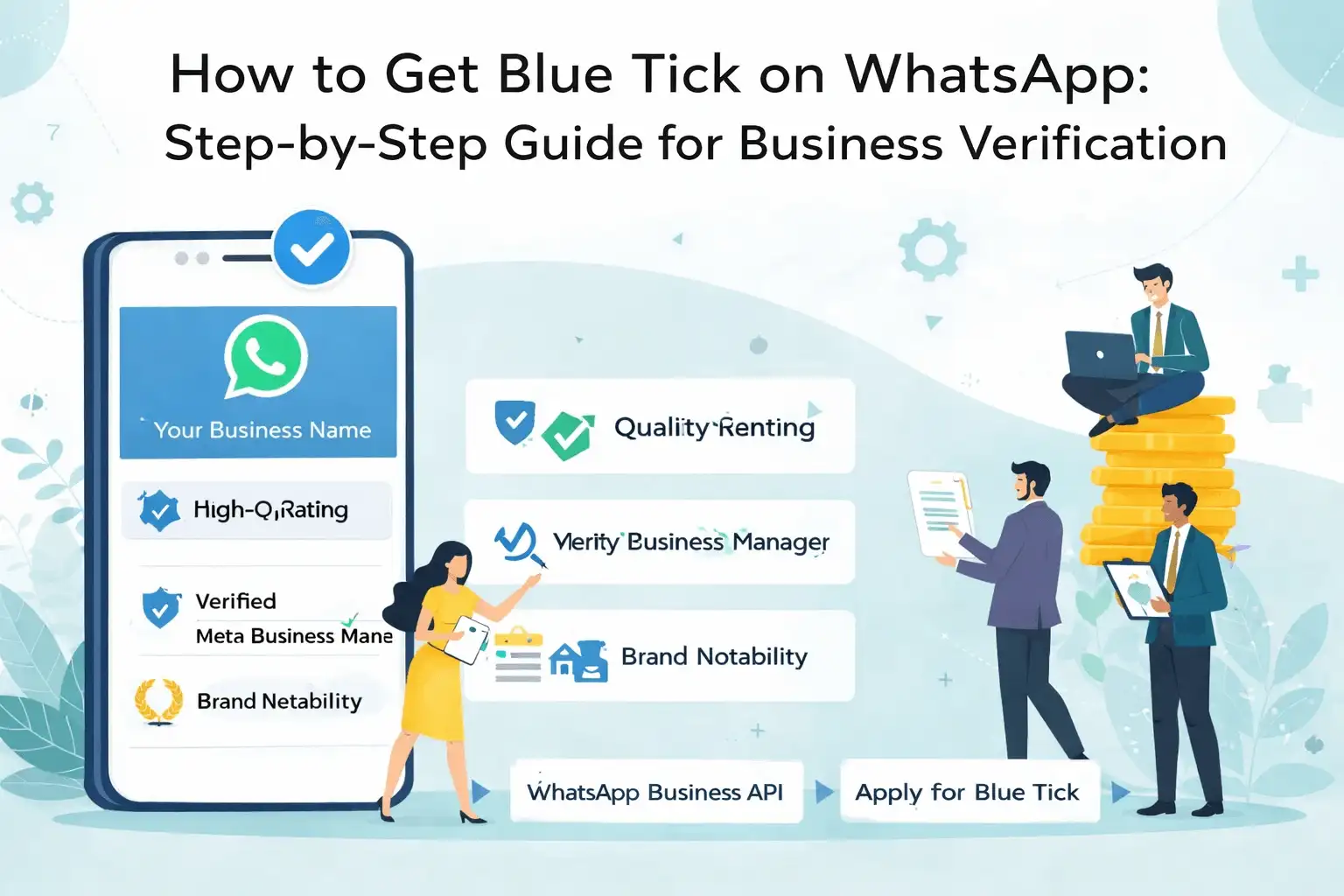
How to Get Blue Tick on WhatsApp: Step-by-Step Guide for
Business Verification
The blue tick on WhatsApp (often confused with the green tick) represents an officially verified WhatsApp Business Account. It confirms that WABA WhatsApp has authenticated the business as a genuine and notable brand, helping users distinguish trusted businesses from impersonators and spam accounts.
For brands using WhatsApp as a customer communication or
marketing channel, the blue tick plays a critical role in building trust,
credibility, and engagement.
This guide explains what the WhatsApp blue tick is, who is eligible, how to apply, approval requirements, rejection reasons, and best practices to improve your chances of verification.
What Is the WhatsApp Blue Tick?
The WhatsApp blue tick indicates that a business account has
been verified by Meta (WhatsApp) as an Official
Business Account (OBA).
Once verified:
• The business name appears even if the user hasn’t
saved the contact
• Customers instantly recognize the brand as authentic
• Scam and impersonation risks reduce
• Engagement and response rates improve
Important clarification:
WhatsApp officially calls this badge “Official Business Account”.
Many users refer to it as the blue tick or green tick, but both
mean verified business status.
Benefits of WhatsApp Blue Tick Verification
Verified businesses enjoy multiple advantages:
• Increased customer trust
• Higher open and reply rates
• Reduced spam perception
• Better brand recognition
• Lower block and report rates
• Improved WhatsApp Business Account quality
This makes the blue tick especially valuable for banks,
fintechs, ecommerce brands, healthcare platforms, travel companies, and
enterprises.
Who Is Eligible for WhatsApp Blue Tick?
WhatsApp applies strict criteria. Your business must
meet all conditions below:
1. WABA WhatsApp Business API Account
The blue tick is available only for WABA WhatsApp Business API users.
Not available for:
• Personal WhatsApp
• WhatsApp Business App
2. Verified Meta Business Manager
Your Meta Business Manager must be:
• Fully verified
• Approved with legal business documents
• Using a verified website domain
• Using a consistent business name
3. Brand Notability & Authenticity
WABA WhatsApp verifies well-known brands, not just
registered businesses.
Meta evaluates:
• Google search results
• News/media coverage
• Brand authority
• Website quality
• Organic mentions (PR, blogs, news)
Paid ads do not count as notability.
4.High WhatsApp Quality Rating
Your WABA WhatsApp Business Account must maintain:
• Low block rate
• Low spam reports
• Opt-in-based messaging
• Policy-compliant templates
Accounts with Yellow or Red quality ratings are unlikely to
be approved.
5. Policy Compliance
You must strictly follow:
• WhatsApp Business Messaging Policy
• WhatsApp Commerce Policy
• Meta Platform Policies
Any violation reduces approval chances significantly.
Step-by-Step Process to Get WhatsApp Blue Tick
Step 1: Activate WhatsApp Business API
Register your business via a Meta-approved BSP (Business
Solution Provider) such as NXCMSG.
Step 2: Verify Meta Business Manager
Complete Meta verification by submitting:
• Business registration certificate
• Address proof
• Tax or legal documents
• Website domain verification
Step 3: Optimize Brand Presence
Before applying:
• Ensure your website clearly represents your brand
• Match business name across all platforms
• Improve organic visibility via SEO and PR
Step 4: Maintain High Messaging Quality
To qualify:
• Send messages only to opted-in users
• Avoid aggressive promotions
• Respect opt-outs immediately
• Segment campaigns
• Use correct message categories
Step 5: Apply for Blue Tick Verification
Your BSP submits the request to Meta with:
• Business details
• Website URL
• Brand description
• Media/press coverage links
Approval time: 7–14 business days
Common Reason WhatsApp Blue Tick Gets Rejected
Most rejections occur due to:
• Low brand notability
• Inconsistent business name
• Weak or new website
• High block/report rates
• Policy violations
• Recent WhatsApp account creation
• Poor messaging quality history
Rejection is not permanent. Businesses can
reapply after improvements.
How NXCMSG Helps You Get WhatsApp Blue Tick
WABA NXCMSG supports businesses through:
• WABA WhatsApp Business API setup
• Meta Business verification support
• Opt-in and opt-out management
• Template compliance checks
• Quality rating monitoring
• Verification request submission
• Reduced rejection risk
This compliance-first approach increases approval success.
Conclusion
The WhatsApp blue tick is more than a badge — it’s a trust
signal. Businesses that focus on authentic branding, compliant messaging, and
customer-first communication are far more likely to get verified.
By using the WhatsApp Business API responsibly and
partnering with platforms like WABA NXCMSG, brands can move steadily toward
official verification and long-term WhatsApp success.


