Feb 23, 2026
Creating WhatsApp message templates that get approved on the first submission is crucial for businesses using the official WhatsApp Business API. Since Meta reviews every template for compliance, formatting errors or promotional violations can lead to rejection. In this guide, you’ll learn how to create approved WhatsApp templates, avoid common mistakes, and increase approval success rates in 2026.
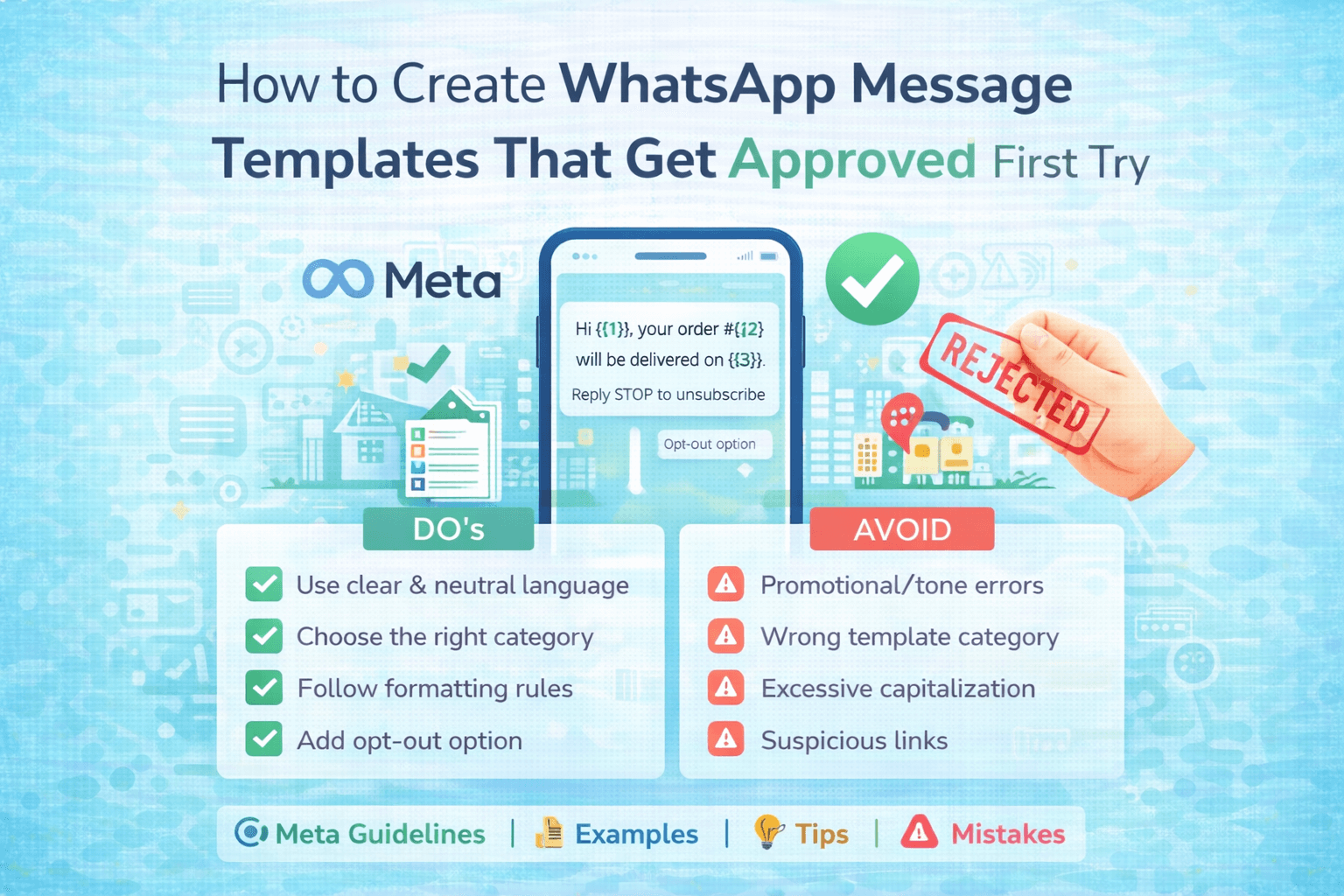
🧩 What Are WhatsApp
Message Templates?
WhatsApp message templates are pre-approved messages
required to start conversations with customers outside the 24-hour window using
the WhatsApp Business API. These templates must follow Meta’s policies and
formatting standards before they can be sent to users.
✅ Steps to Get WhatsApp Templates
Approved First Try
1. Use Clear & Neutral Language
Avoid spammy words like:
• “FREE!!!”
• “Buy Now”
• “Limited Offer Hurry”
Use professional, informative wording instead.
2. Choose the Right Template Category
• Marketing
• Utility (Transactional)
• Authentication
Submitting under the wrong category often leads to
rejection.
3. Follow Formatting Rules
• Use variables correctly: {{1}}, {{2}}
• Avoid URL shorteners (bit.ly, tinyurl)
• No misleading claims
• No policy-violating content
4. Add Opt-Out Option (For Marketing)
Example:
“Reply STOP to unsubscribe.”
5. Keep It Personalized
Example:
Hi {{1}}, your site visit for {{2}} is scheduled on {{3}}.
❌ Common WhatsApp Template
Rejection Reasons
• Promotional tone in utility template
• Excessive capitalization
• Grammar mistakes
• Suspicious links
• Policy violations
• No clear business identification
📊 Benefits of Properly
Approved Templates
• Higher message delivery rate
• Faster campaign launches
• Better customer engagement
• Improved trust & compliance
• Reduced account risk
Conclusion
Creating
WhatsApp message templates that get approved on the first try is all about clarity,
compliance, and customer value. When you follow Meta’s official guidelines, use
non-promotional language for utility messages, avoid spammy wording, and
clearly define your use case (OTP, order updates, reminders, support, etc.),
approval becomes much easier and faster.
Always:
✔ Use simple, professional language
✔ Clearly mention the purpose of the message
✔ Avoid misleading claims or excessive promotional tone
✔ Add proper variables like {{1}}, {{2}} correctly
✔ Ensure user opt-in before sending
Well-structured
templates not only improve approval rates but also increase delivery rates,
engagement, and trust. Businesses that use properly approved templates
experience higher open rates and better customer response compared to
traditional SMS or unofficial bulk messaging.