Feb 23, 2026
If you want to generate high-quality leads directly into WhatsApp chats, Click-to-WhatsApp Ads are one of the most powerful tools inside Meta Platforms’ advertising ecosystem. These ads allow users on Facebook and Instagram to start a conversation instantly on WhatsApp with a single tap. This guide covers everything you need to know — setup, optimization, targeting, tracking, and SEO-friendly content structure.
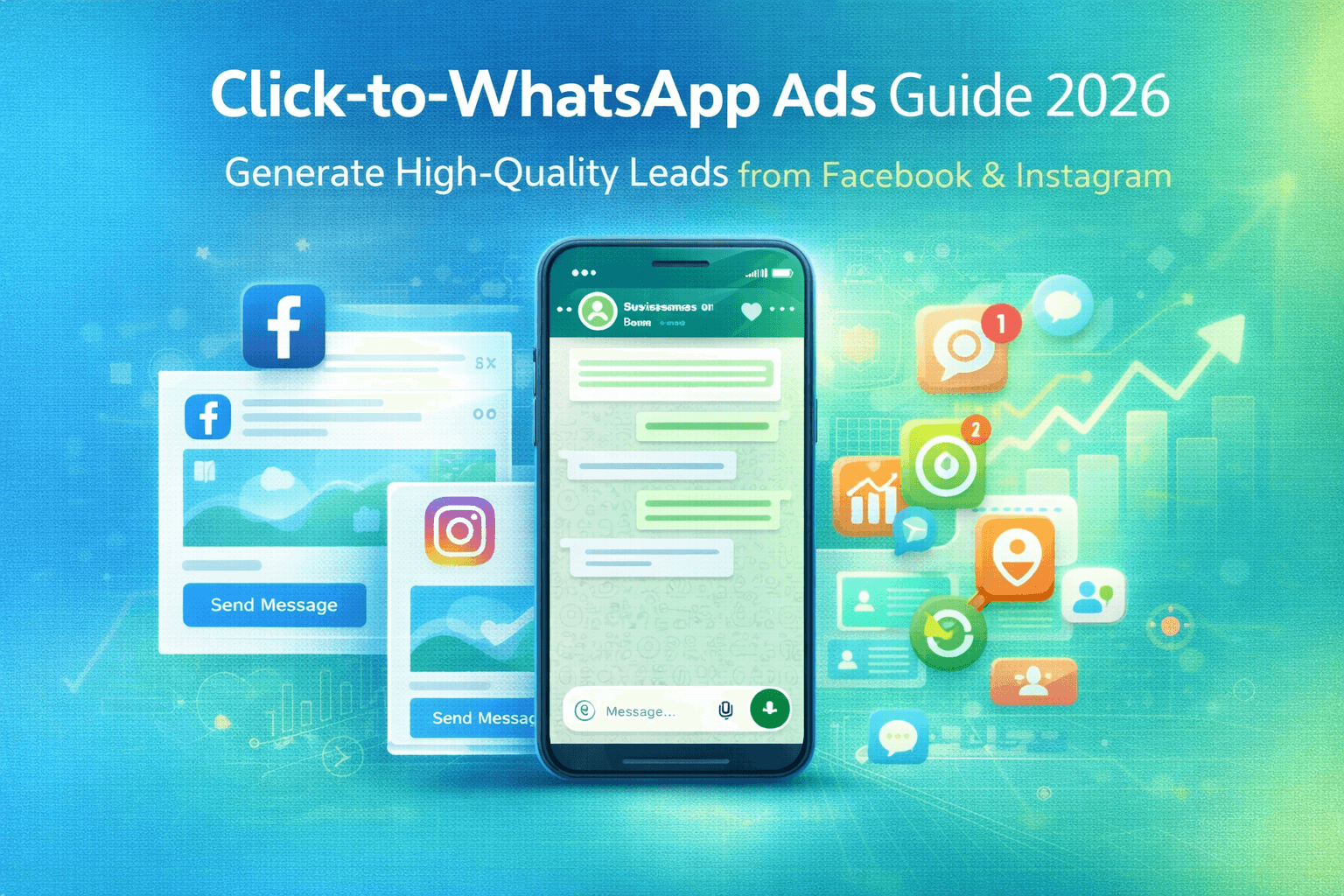
How to Use
Click-to-WhatsApp Ads on Facebook & Instagram
In 2026,
conversational marketing is dominating digital advertising. Instead of sending
users to slow-loading landing pages, smart businesses are driving traffic
directly into chat. One of the most powerful tools for this is Click-to-WhatsApp
Ads inside the advertising ecosystem of Meta Platforms.
These ads allow
users on Facebook and Instagram to tap a
button and instantly start a conversation on WhatsApp.
If your goal
is:
• Generate
qualified leads
• Increase
sales conversions
• Book
appointments
• Automate
customer support
• Improve
cost-per-lead (CPL)
This complete
SEO-optimized guide will walk you through everything.
What Are
Click-to-WhatsApp Ads?
Click-to-WhatsApp
Ads are paid ads that appear across Facebook and Instagram feeds, Stories,
Reels, and Marketplace. Instead of redirecting to a website, they open a direct
WhatsApp chat with your business number.
The moment a
user clicks:
1. WhatsApp
opens.
2. A chat
window appears.
3. A pre-filled
message (optional) is ready to send.
4. Your sales
or automation system takes over.
This eliminates
landing page friction and increases engagement rates significantly.
What Are
Click-to-WhatsApp Ads?
Click-to-WhatsApp
Ads are paid ads that appear across Facebook and Instagram feeds, Stories,
Reels, and Marketplace. Instead of redirecting to a website, they open a direct
WhatsApp chat with your business number.
The moment a
user clicks:
1. WhatsApp
opens.
2. A chat
window appears.
3. A pre-filled
message (optional) is ready to send.
4. Your sales
or automation system takes over.
This eliminates landing page friction and increases engagement rates significantly.
Why
Click-to-WhatsApp Ads Work So Well in 2026
1. Zero Funnel
Friction
Traditional
funnel:
Ad → Landing Page → Form → Email → Call → Follow-up
WhatsApp
funnel:
Ad → Chat → Conversation → Conversion.
Fewer steps = higher conversions.
2. Higher
Intent Traffic
Users who click
to start a chat show strong buying intent. They are actively initiating a
conversation.
This improves:
• Lead
quality
• Close
rates
• Sales
cycle speed
3. Lower Cost
Per Lead (CPL)
Industries
like:
• Real
estate
• Automobile
dealerships
• EdTech
• Healthcare
• D2C
eCommerce
Often see better CPL compared to lead forms.
4. Real-Time Engagement
Speed matters. When a user receives instant replies via
automation or a sales team, trust increases dramatically.
How
Click-to-WhatsApp Ads Work
Here’s the
backend process:
1. User
sees ad on Facebook or Instagram
2. Clicks
“Send Message”
3. WhatsApp
opens
4. Conversation
starts
5.You capture:
• Name
• Phone number
• Requirement
• CRM
integration stores the lead
If you're using
WhatsApp Business API, you can:
• Auto-assign leads
• Trigger workflows
• Send template follow-ups
• Track campaign source
Step-by-Step:
How to Set Up Click-to-WhatsApp Ads
Step 1: Connect
WhatsApp to Your Facebook Page
Requirements:
• Facebook Business Page
• WhatsApp Business number
• Access
to Meta Business Manager
Go to:
Business
Settings → WhatsApp Accounts → Add Number
Verify via OTP.
Step 2: Open
Meta Ads Manager
Inside Ads
Manager:
Click Create
Campaign
Choose
objective:
• Engagement
• Leads
• Sales
• Traffic
For best
results in 2026, “Leads” or “Engagement” with messaging optimization works
well.
Step 3: Select
WhatsApp as Messaging App
Under Ad Set:
Messaging Apps
→ Select WhatsApp
Make sure
correct phone number is connected.
Step 4: Define
Target Audience
Targeting
options:
Core Audience
• Location
• Age
• Gender
• Interests
• Behaviors
Custom Audience
• Website
visitors
• Instagram
engagers
• Video
viewers
• Customer
list uploads
Lookalike
Audience
Create 1%–3%
lookalike from:
• Past
leads
• WhatsApp
converters
• Website
purchasers
Step 5: Create
High-Converting Ad Creative
Ad Copy Formula
Hook +
Benefit + CTA
Example:
Looking for
Affordable EV Chargers in Ahmedabad?
Get Free Consultation Instantly on WhatsApp.
Tap Below to Chat Now.
Strong CTA
Examples
• hat on
WhatsApp
• Get Free
Quote
• Book
Demo
• Check
Availability
• Claim
Offer
Step 6: Set
Automated Greeting Message
Inside WhatsApp
Business:
Set welcome
message like:
Hi 👋 Thanks for contacting us.
Are you looking for pricing, demo, or product details?
This improves
engagement rate.
Advanced
Optimization Strategies
1. Use
Pre-Filled Messages
Pre-fill user
message:
“I’m interested
in your services. Please share details.”
This increases
conversation start rate.
2. Use WhatsApp
Chatbots
If using
WhatsApp API:
• Auto-qualify
leads
• Collect
budget
• Capture
city
• Route to
correct sales rep
This reduces
manual workload.
3. CRM
Integration
Integrate
WhatsApp with:
• Zoho CRM
• HubSpot
• Salesforce
Automatically:
• Create
lead
• Assign
owner
• Trigger
follow-up email
• Track
campaign source
4. Retarget
Engaged Users
Retarget users
who:
• Clicked
but didn’t respond
• Started
chat but didn’t convert
• Viewed
75% of your video
Layer
retargeting for better ROI.
Best Industries
for Click-to-WhatsApp Ads
Real Estate
Instant
property inquiry conversations.
Automobile
Dealerships
Book test
drives via chat.
EV Charging
Businesses
Share pricing
and installation details instantly.
Healthcare
Clinics
Book
appointments quickly.
Education &
EdTech
Course
consultation conversations.
Cost of
Click-to-WhatsApp Ads
Cost depends
on:
• Industry
• Targeting
competition
• Creative
quality
• Location
In India (2026
average benchmarks):
• CPC: ₹2
– ₹12
• Cost per
conversation: ₹20 – ₹120
• Cost per
qualified lead: ₹80 – ₹350
Highly optimized campaigns perform even better.
FAQ Section (For Featured Snippets)
What is Click-to-WhatsApp Advertising?
It is a Meta ad format that allows users to start a WhatsApp chat directly from Facebook or Instagram ads.
Do I Need WhatsApp Business API?
Not mandatory for small businesses. Recommended for automation and scaling.
Are WhatsApp Ads Better Than Lead Forms?
In many industries, yes. They provide faster response time and higher lead quality.
Common Mistakes to Avoid
❌ Sending traffic to manual chat
without automation
❌
Slow response time
❌
Poor targeting
❌
Generic ad copy
❌
No follow-up strategy
Complete Funnel Strategy (High-Converting Model)
Ad → WhatsApp Chat → Auto Qualification → CRM Entry → Sales
Call → Follow-Up Template → Retargeting
This layered approach maximizes ROI.
Conclusion
Click-to-WhatsApp Ads are one of the highest ROI advertising
formats available in 2026. By leveraging the massive user base of Facebook and
Instagram and combining it with the conversational power of WhatsApp,
businesses can generate higher-quality leads at lower costs.
The key to success is:
• Smart targeting
• High-converting creatives
• Automation
• CRM integration
• Retargeting
If implemented correctly, Click-to-WhatsApp Ads can become
your most profitable customer acquisition channel.